
BankPerfect 9
Your bank accounts, made simple. Fast, encrypted personal finance software, free and open source, for Windows, macOS and Linux.
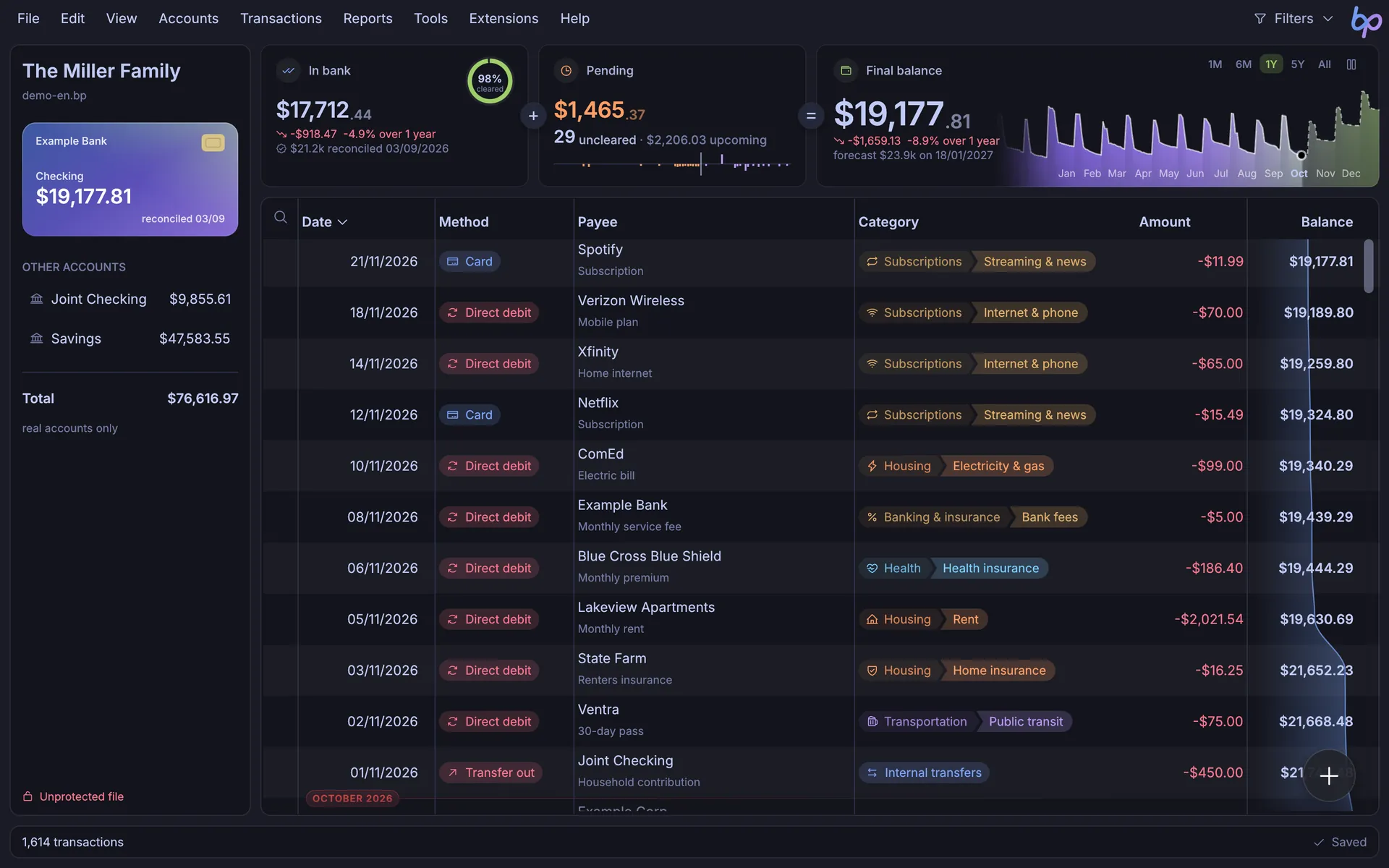
What's new in version 9
BankPerfect has been rewritten from the ground up. It keeps everything the previous version could do, with a redesigned interface, and your existing files open as they are.
Cross-platform
The same app on Windows, macOS (Apple Silicon and Intel) and Linux, with the same accounts file on every system.
Open source
Public source code on GitHub under the MIT license: anyone can read it, audit it, build it and improve it. No account, no ads, no tracking.
Written in Rust
A modern, fast, memory-safe language. The interface is drawn by the GPU, so everything stays smooth, even with tens of thousands of transactions.
State-of-the-art encryption
Files encrypted with XChaCha20-Poly1305, a password derived with Argon2id, and a 24-word recovery key in case you forget it.
Bank sync
Download transactions straight from your bank through Enable Banking (PSD2), along with the bank balance so you can check nothing is missing. Your credentials stay on your bank's website.
Luau extensions
Small scripts add commands, windows, import formats and automations, inside a safe sandbox. See the examples.
Everything you need to manage your money
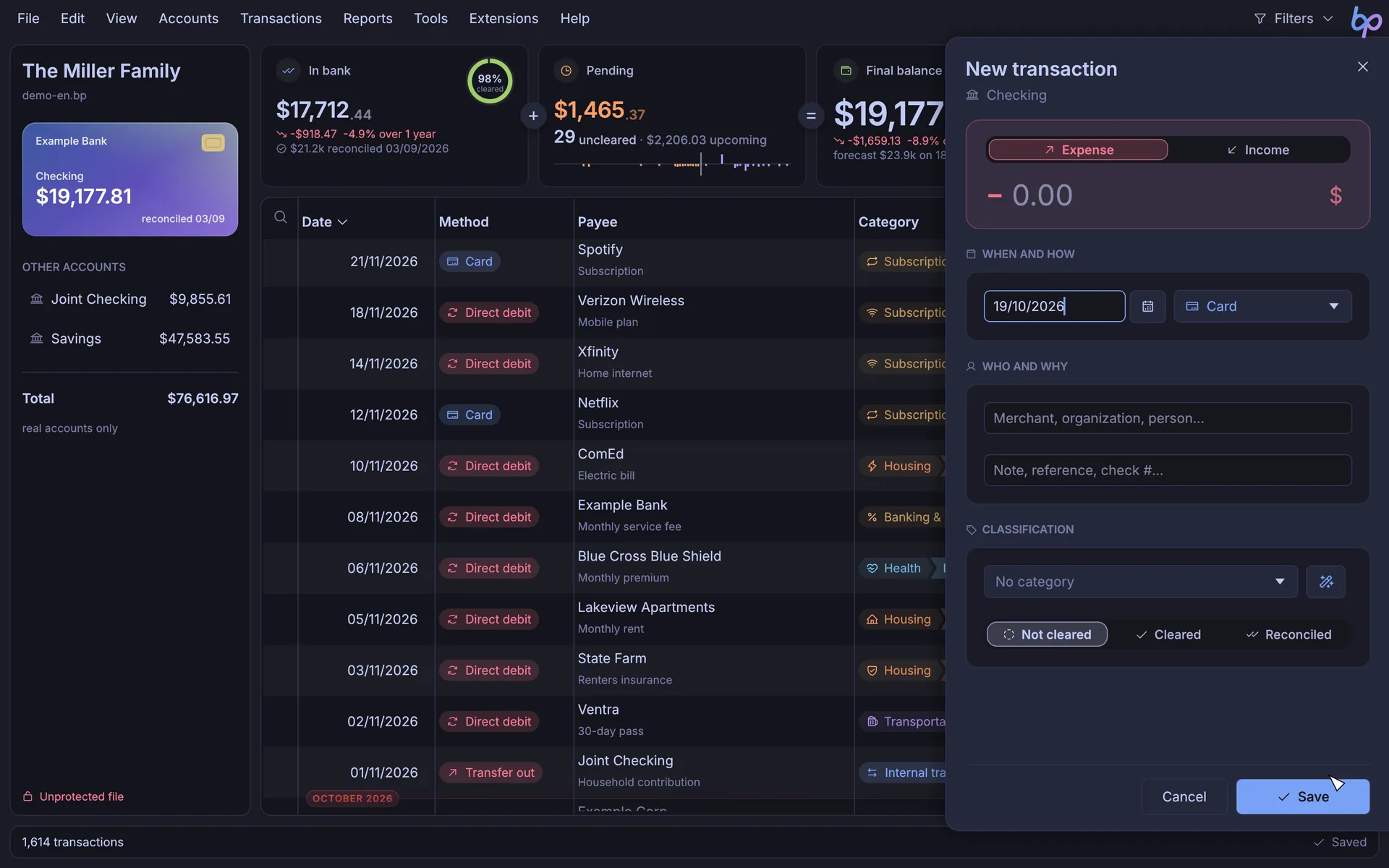
- Unlimited accounts in a single file, fast entry with suggestions, linked transfers between accounts, and splits across several categories.
- Clearing and reconciliation, with cleared dates and the cleared balance always in view.
- Imports from OFX, QIF and CSV, with duplicate detection and auto-categorization rules.
- Scheduler for recurring transactions, with a projected balance.
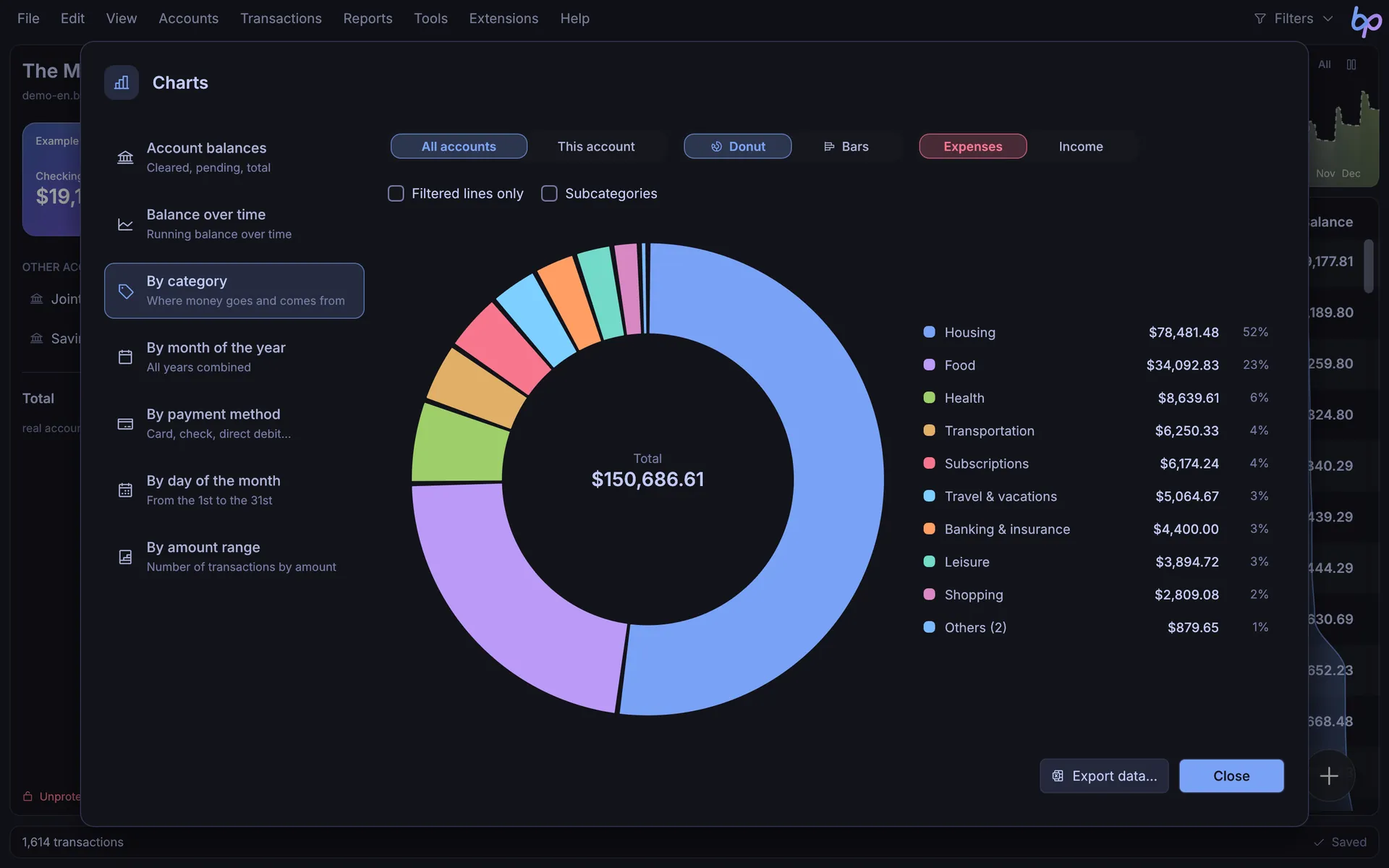
- Reports and charts: totals by category and by payee, multi-account statement, balance history, and export to a spreadsheet (.xlsx).
- Budgets: monthly budgets by category and yearly budget tables.
- Tools: loan calculator, currency converter (ECB rates), security quotes, calculator, and a command palette (Ctrl+K).
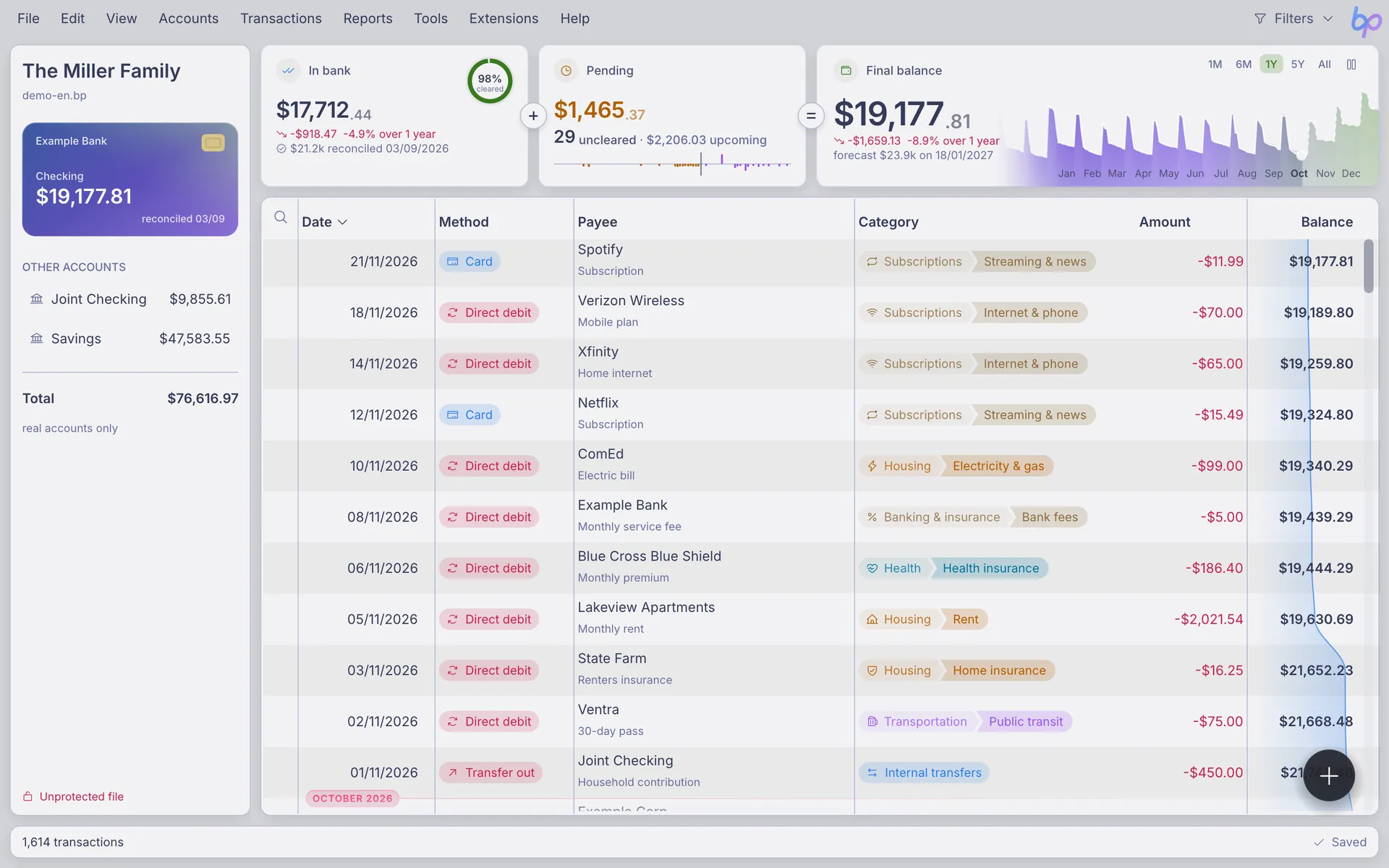
- 19 themes, dark and light (Tokyo Night, Catppuccin, Dracula, Nord…), including “BankPerfect classic” in the colors of the previous version.
- Automatic backups and print-ready PDF statements.
- In English and French: switch languages instantly from View › Language, without restarting.
A closer look
Download
BankPerfect is free, with no limits and no ads.
Windows
A zip archive to extract: BankPerfect runs without installation. Read the notice below before the first launch.
Windows 10 and 11macOS
Universal app (Apple Silicon and Intel): read the notice below, or install it with Homebrew:
brew install --cask fabiochelly/bankperfect/bankperfect
macOS 11 and later
Linux
An x86_64 archive with a script that adds BankPerfect to your applications menu:
./install.sh
Linux x86_64
Windows: if BankPerfect does not open
BankPerfect 9 is still too new to be certified by Microsoft: its executable is not signed with a certificate Windows recognizes. On Windows 11, Smart App Control may then block it from opening, sometimes without any message, even as administrator.
- If Windows shows “Windows protected your PC”, click “More info” then “Run anyway”.
- If nothing opens, go to Windows Security > App & browser control > Smart App Control settings and choose Off.
This protection applies to every application, not only BankPerfect. On an up-to-date Windows 11 (24H2 or 25H2, since April 2026), you can turn it back on in the same place; on older versions, turning it back on requires reinstalling Windows.
macOS: if BankPerfect does not open
BankPerfect is not notarized by Apple: on first launch, macOS says “the developer cannot be verified”. Installing with Homebrew avoids this message.
- macOS 12 to 14: right-click (or Control-click) the app, choose “Open”, then “Open” in the next window.
- macOS 15 and later: after the message, go to System Settings > Privacy & Security and click Open Anyway at the bottom of the page.
- If macOS says the app is “damaged”: move it to Applications, then run
xattr -dr com.apple.quarantine /Applications/BankPerfect.appin Terminal.
Every version and its release notes are on the GitHub releases page.
Support the project
BankPerfect is complete and free. If you like it, a license is a way to support its development, and your name then appears in the app.
Your existing files
.bp files from earlier versions open directly. They are saved in the new format, and the original is kept alongside.
Your data stays with you
No account, and no server receiving your transactions: everything lives in your files, on your computer. Privacy.